Published 2 Aug 2026· Updated 29 Aug 2026
How to Prepare Artwork for Custom Printed Corrugated Boxes
A practical guide to preparing print-ready artwork for custom corrugated boxes, covering vector files, fonts, colours, dielines, bleed and proofing so your design prints correctly the very first time.
Key Takeaways
- Vector file formats such as AI, EPS or a properly built PDF with outlined fonts are preferred over raster formats like JPG or PNG for corrugated box artwork, since they scale without losing sharpness.
- A dieline is a flattened template showing a box's exact cut, crease and fold lines, and artwork must be built on top of it so graphics align correctly once the box is assembled.
- Bleed means extending background colours or images slightly past the cut line so no unprinted white gap appears after trimming, though the exact measurement varies by manufacturer.
- Colour on corrugated board is typically specified using a standard ink matching system rather than on-screen RGB values, since screen colour and printed ink colour do not always translate directly.
- Requesting a digital or physical proof before full production lets buyers check colour, placement and fold accuracy, which is far cheaper than correcting an issue after a print run.
- Sending non-outlined fonts or low-resolution raster logos is a common mistake, since fonts can shift or substitute incorrectly and raster logos can print blurry or jagged once scaled to box size.
How to Prepare Artwork for Custom Printed Corrugated Boxes
Table of Contents
The gap between a design that looks great on screen and one that prints cleanly on corrugated board trips up a lot of brands ordering custom packaging for the first time. Corrugated surfaces behave differently from paper or digital screens, and getting the file preparation right upfront avoids reprints, delays and disappointing colour results. Here's what to get in order before you send artwork to your manufacturer.
Why Print-Ready Artwork Matters for Corrugated Boxes
Corrugated board has a textured, slightly absorbent surface compared to smooth paper stock, which means fine details, small text and gradients don't always reproduce the way they would in a glossy print catalogue or on a screen. Artwork that isn't prepared with this in mind — low-resolution logos, text that's too small, colours specified incorrectly — tends to produce a finished box that looks noticeably different from what the designer intended.
Getting the file specifications right before the design goes to plate-making also avoids costly rework. Once plates are made for flexographic printing, correcting an artwork mistake usually means remaking the plate, which adds both cost and delay to your order.
Starting the Design Conversation Early
Many artwork problems trace back to a design being finalised in isolation, without input from the manufacturer who will actually print it, and only being shared once the brand considers it complete. Looping your packaging supplier in earlier — even at a rough concept stage — gives them a chance to flag file format issues, colour limitations or dieline constraints before real design time has been invested in a direction that will need reworking later. This is a small process change that consistently saves both time and reprint cost for brands ordering custom packaging for the first time.
File Formats, Vectors and Fonts
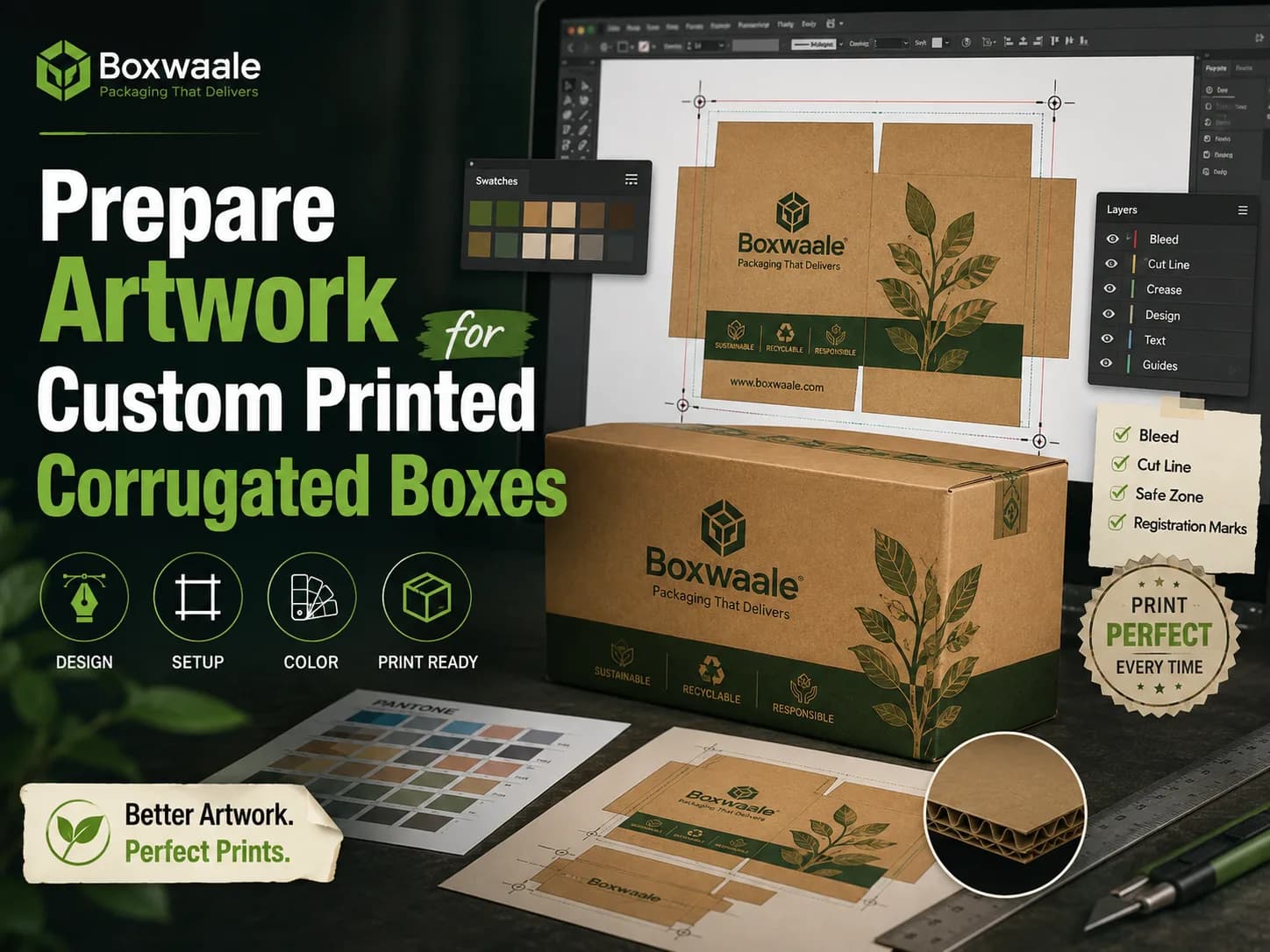
Vector file formats — AI, EPS, or a properly built PDF — are the standard for corrugated box artwork because they scale to any size without losing sharpness, which matters since box dimensions can vary considerably from a standard print layout. Raster formats like JPG or PNG can work for reference or mock-ups, but relying on them for final production risks blurry or jagged edges once scaled up, particularly on logos and text.
Fonts deserve specific attention: always convert text to outlines (curves) before sending final artwork, or clearly supply the font files alongside the artwork. If a font isn't available on the printer's system and hasn't been outlined, text can shift, substitute incorrectly, or fail to print as designed — a surprisingly common and entirely avoidable error.
Colours, Bleed and Dielines Explained
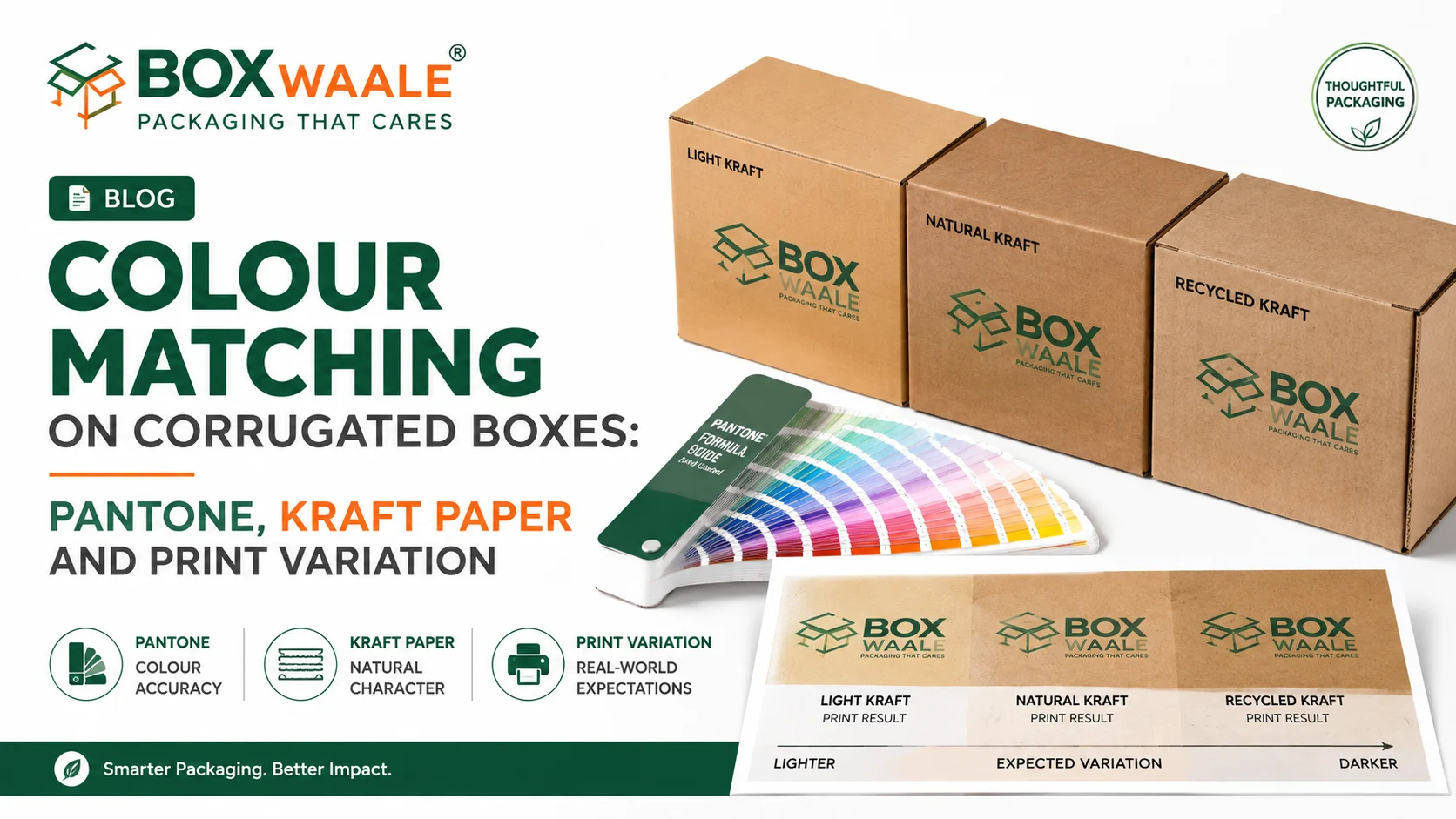
Colour on corrugated board is typically specified using a standard ink matching system rather than the RGB colours used on screens, since screen colours and printed ink colours don't always translate directly, especially onto a textured, sometimes brown kraft surface. If brand colour accuracy matters to you, ask your supplier which colour system they work with and specify your colours accordingly rather than relying on a screenshot or a generic colour name.
Bleed refers to extending background colours or images slightly beyond the actual cut line, so that if the cutting isn't pixel-perfect (which is normal in physical production), no unprinted white sliver appears at the edge. The exact bleed measurement varies by manufacturer and box type, so it's best confirmed directly rather than assumed.
A dieline is the flattened template of your box shape — showing where every cut, crease and fold will happen — that your manufacturer provides before you start designing. All artwork should be built directly on top of the dieline your supplier gives you, since this is what ensures your graphics, logo and text land in the right place once the box is folded and assembled, rather than being misaligned or split awkwardly across a fold or seam. If you're specifying a custom printed box for the first time, ask for the dieline early in the design process rather than at the end.
Proofing and Approval Before Production
Before committing to a full production run, request a proof — digital, and ideally physical if the order size justifies it. A digital proof lets you check layout, text accuracy and colour references on-screen; a physical proof (sometimes a printed sample or a mock-up on similar board) shows you how the design actually reads on the textured, sometimes off-white or brown corrugated surface, which often looks subtly different from an on-screen mock-up.
A practical proofing checklist:
- Confirm all text is legible and correctly spelled at final printed size, not just zoomed in on-screen
- Check that logos and graphics align correctly across every fold and seam on the dieline
- Verify colours against your brand reference, understanding that some shift from screen to printed board is normal
- Sign off explicitly in writing before the manufacturer proceeds to plate-making and full production
Skipping the proofing step to save a few days is one of the more common ways buyers end up with an expensive reprint instead of a quick, cheap correction caught earlier in the process.
How Boxwaale Helps
Boxwaale provides dielines upfront and reviews incoming artwork for common issues — missing bleed, non-outlined fonts, low-resolution logos — before it goes anywhere near plate-making, so problems get caught early rather than after a print run. Our team can also guide first-time brand owners who aren't familiar with print-ready file preparation through exactly what's needed for their specific design.
Frequently Asked Questions
Related Packaging Guide
Planning a packaging order?
Turn this guidance into a box specification
Share the product dimensions, packed weight, quantity, printing requirement and delivery postcode. Boxwaale will help narrow down the appropriate size, ply and board specification before quoting.
Frequently Asked Questions
Related Products
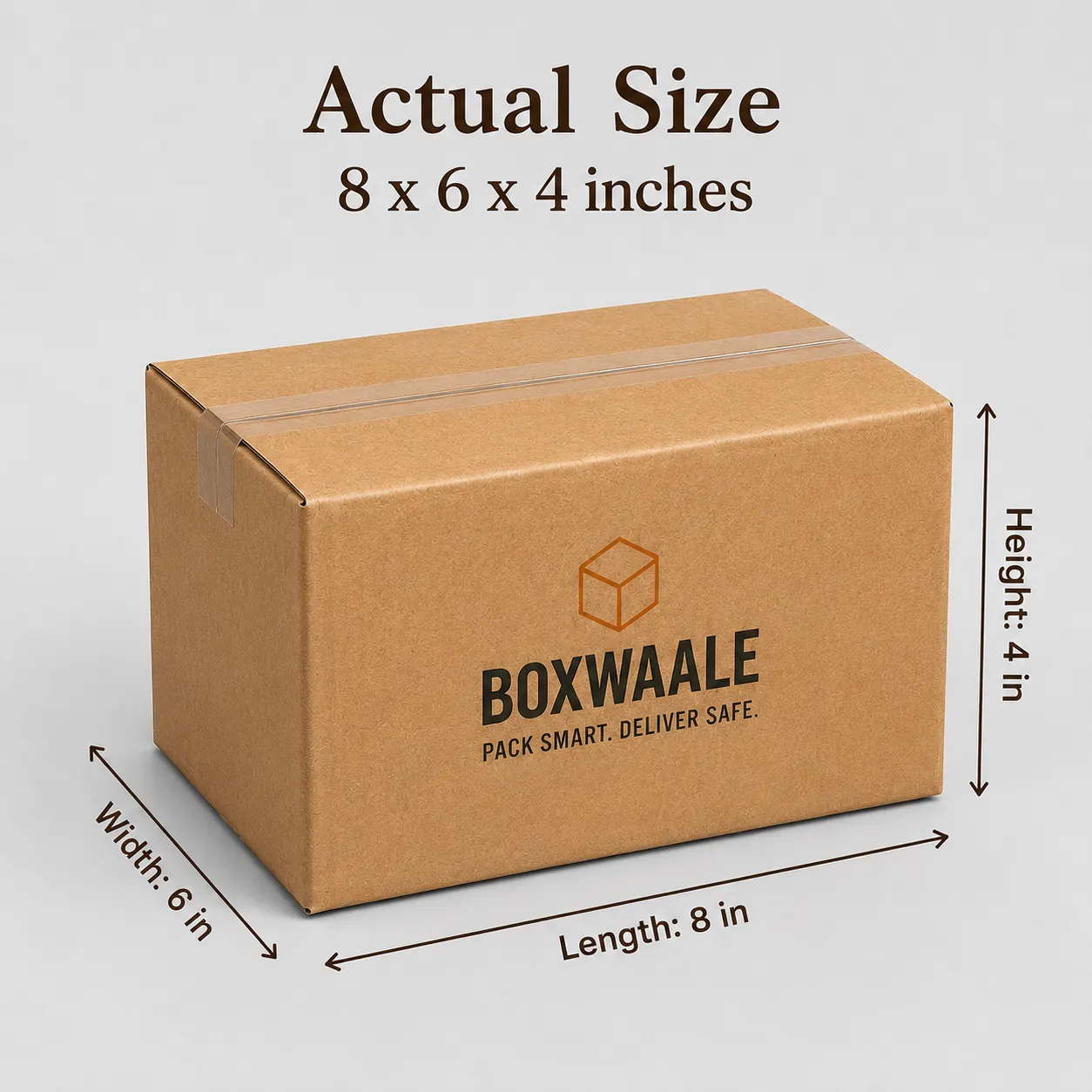
9x6x3 Inch Brown Corrugated Mailer Box for E-commerce Brands
Premium corrugated mailer box designed for e-commerce brands, subscription boxes, gifting, retail products, and custom branded packaging.
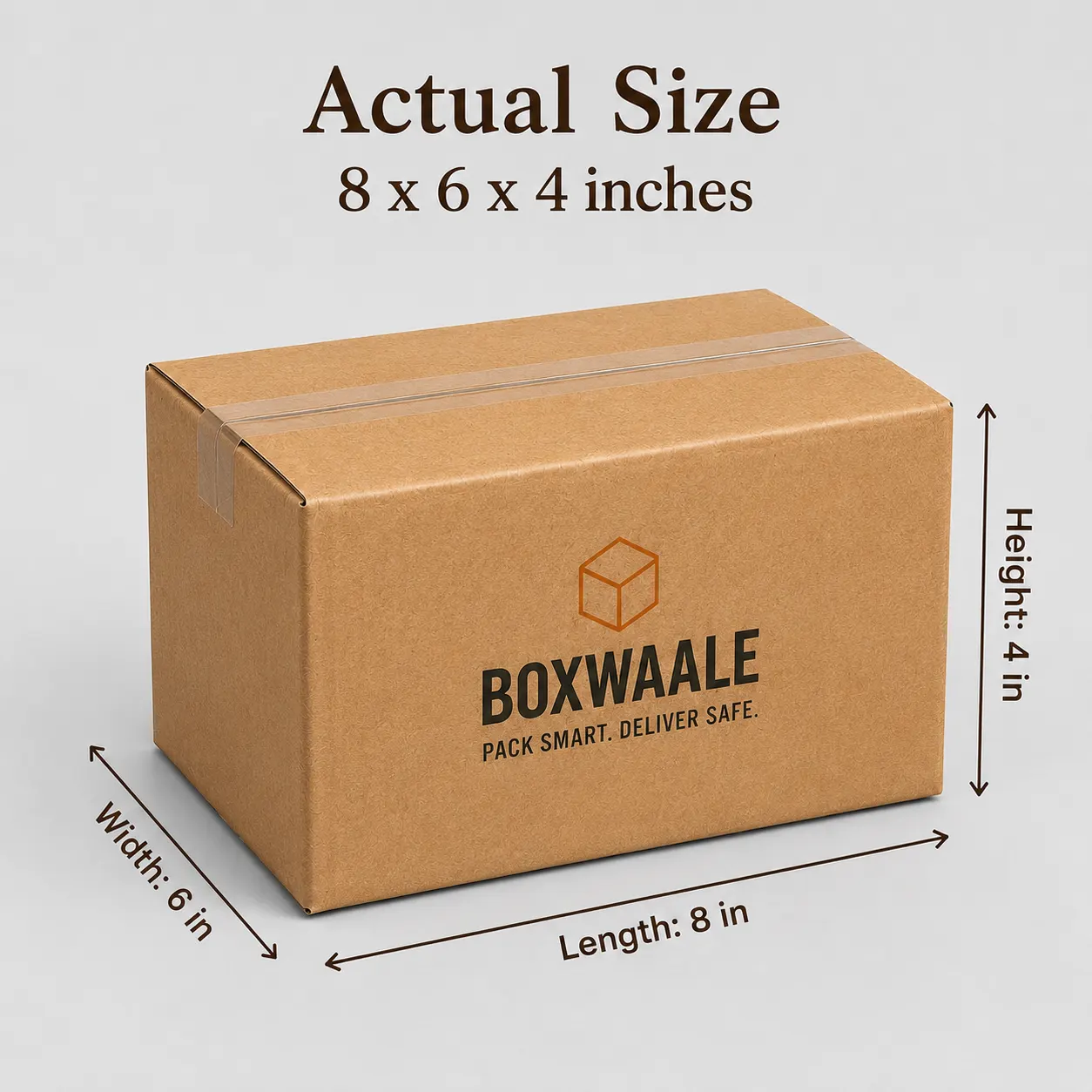
Custom Printed Brown Corrugated Courier Box with Logo
Custom printed brown corrugated courier box with logo designed for online sellers, D2C brands, retail businesses, and branded product delivery.
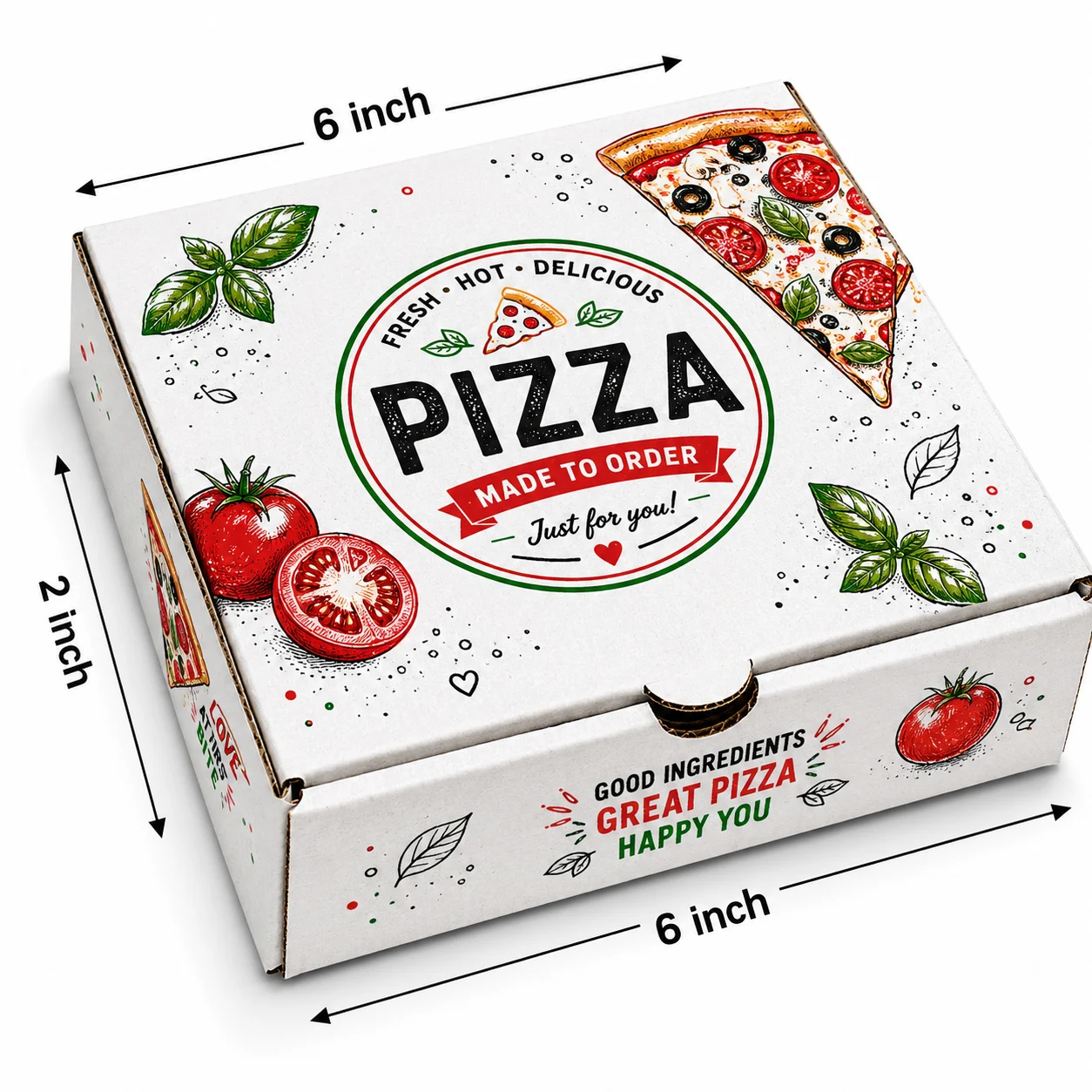
6 Inch White Printed Pizza Box for Restaurants
Premium 6x6x1.5 inch printed white corrugated pizza box designed for restaurants, pizza outlets, cloud kitchens, and food delivery.
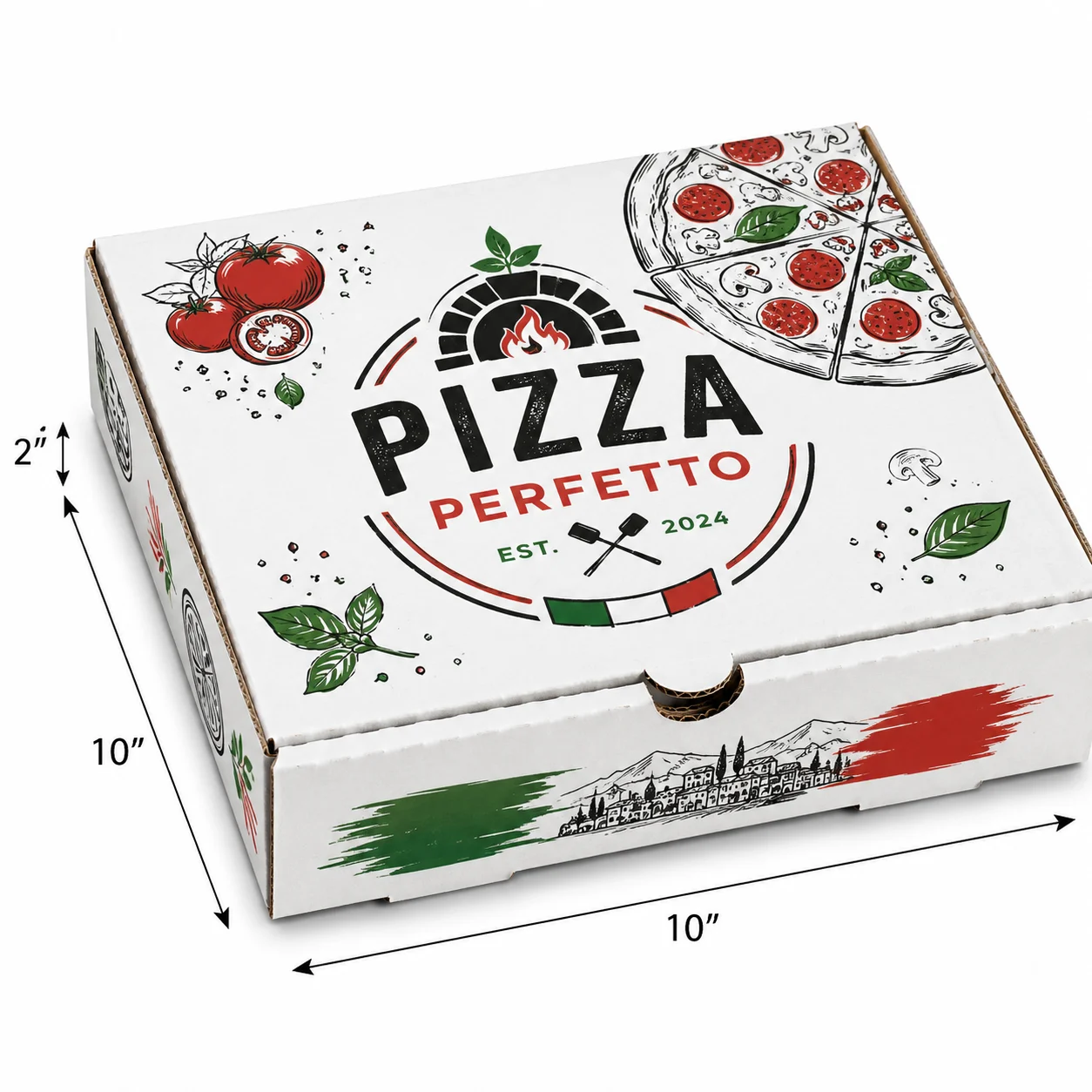
10 Inch White Pizza Box for Restaurants
Premium 10x10x1.75 inch white corrugated pizza box designed for restaurants, pizza outlets, cloud kitchens, and food delivery.
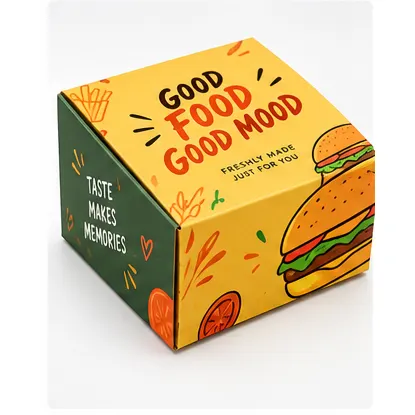
5x5x3 Inch Printed Burger Box for Restaurants
Premium 5x5x3 inch printed white corrugated burger box designed for restaurants, cafes, cloud kitchens, and takeaway businesses.